專案檔整理的重要性:為後期製作鋪平道路
在影像製作的世界裡,我們都知道,最終品質往往取決於每個小細節的處理。而在後期製作過程中,專案檔的整理就是這些關鍵細節之一。今天,我們想和大家聊聊這個過程,並解釋為什麼我們會對拍檔進行分類和改名、顏色標記、介面調整,以及為什麼最終檢查是如此重要。
分類和改名:讓素材管理更高效
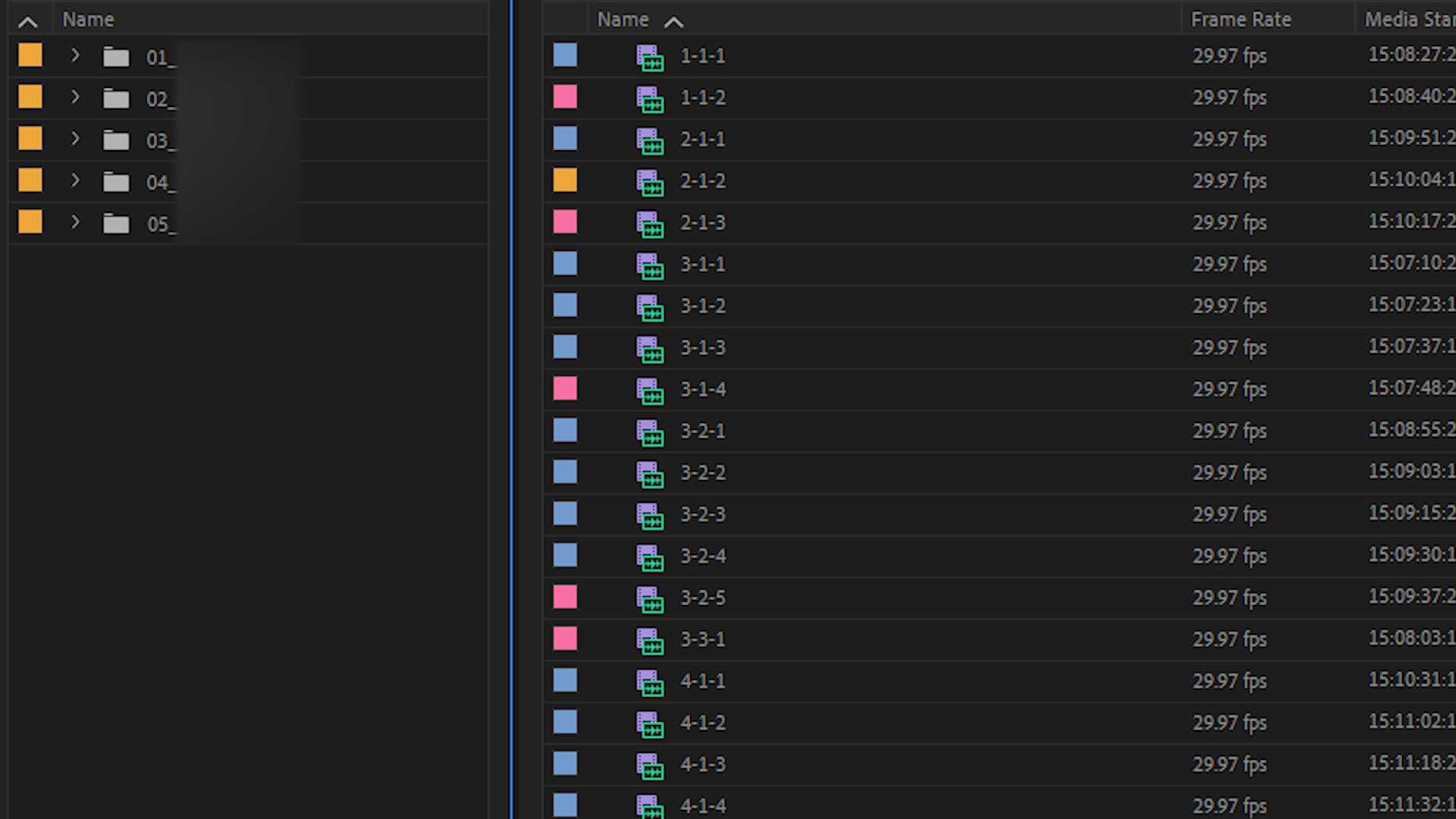
當我們從拍攝現場帶回大量素材時,這些素材通常會來自多台攝影機,並且可能以不同的順序拍攝。素材的原始名稱,往往只是攝影機自動生成的流水號,這讓剪輯師在後期工作時,很難迅速找到他們需要的素材。為了解決這個問題,我們對專案檔裡的素材進行分類和重新命名。
透過重新命名,命名規則為「Scne-Shot-Take」,透過這個命名規則,可以讓每個檔案與場記表的編號相對應,這樣剪輯師在工作時,就能夠快速識別和調用所需的素材,確保使用正確的檔案。這樣的整理也能大大簡化後續的同步工作,避免因檔案名稱混亂導致的錯誤,也能讓剪輯與導演溝通時更加順暢。
顏色標記:一目了然的素材狀態
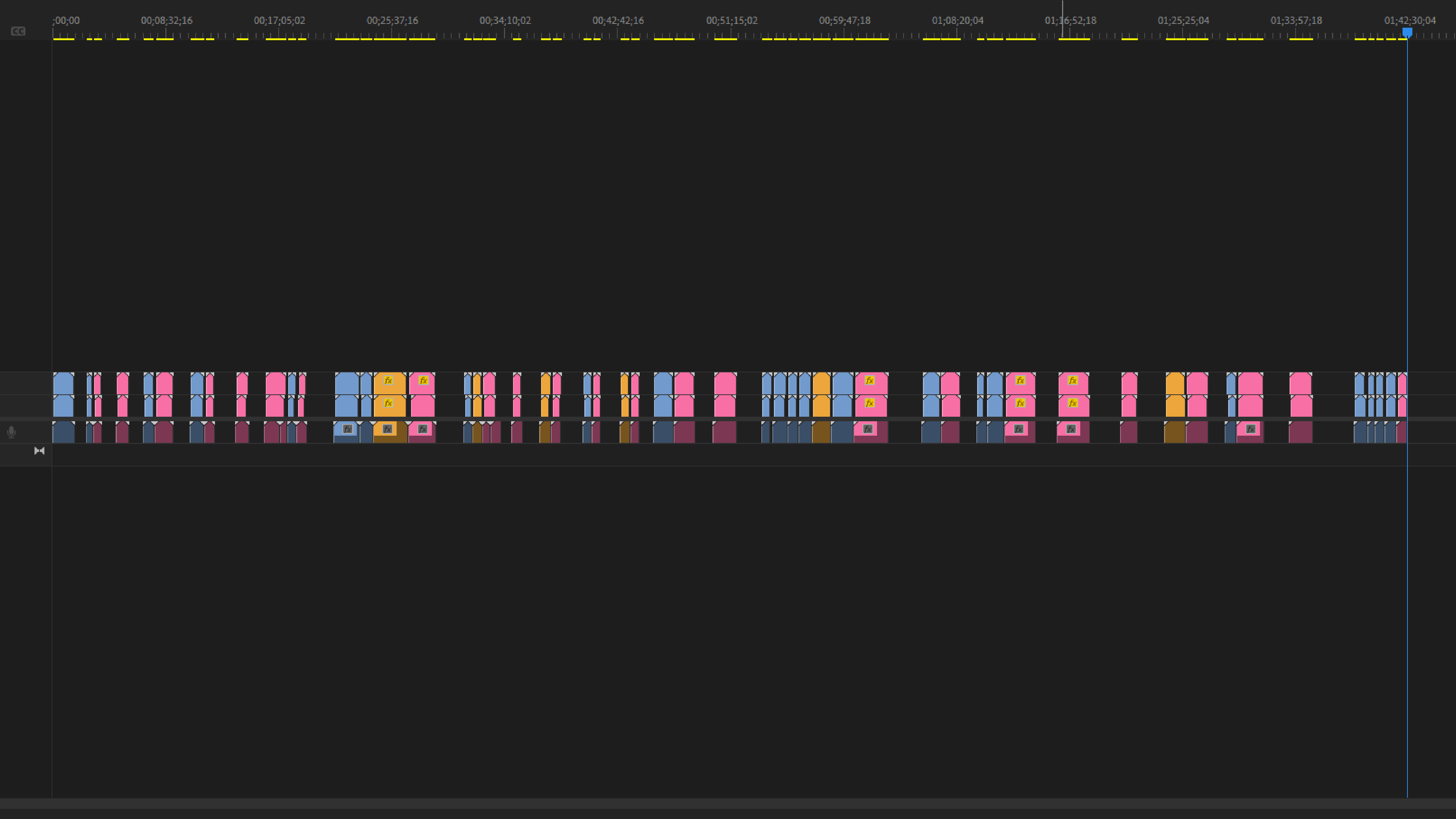
在整理專案檔的過程中,我們也會依照剪輯師的需求,為不同狀態的拍檔進行顏色標記。比如,將場記表裡OK的拍攝檔案標註為紅色,KEEP的檔案標為黃色,這樣剪輯師在處理素材時,就能一目了然地知道哪些素材已經過濾,哪些素材需要特別注意。
這種顏色標記的方法不僅讓素材管理更加有序,還能幫助剪輯師更快地做出決策,大大提高工作效率。特別是在同步工作中,這些標記能幫助剪輯師迅速定位同步的素材,並確保畫面與聲音的完美契合。
調整介面:分割畫面提升操作效率
整理過程中,界面的調整也是一個不可或缺的步驟。我們經常會將畫面分割,讓同時拍攝的不同機位素材在一個畫面裡顯示出來。這樣的操作可以幫助剪輯師更直觀地對比素材,快速做出選擇,而不必在不同視窗之間來回切換。
這種界面調整的目的,是為了讓剪輯師在處理多機位素材時,更加得心應手,從而大大提高工作效率和準確性。當需要進行畫面和聲音的同步時,這種分割畫面也能幫助剪輯師更清晰地看到各個機位的畫面變化,確保同步的精確度。
音畫同步的重要性:確保畫面與聲音的完美結合
在影像製作中,畫面與聲音的同步是非常重要的步驟。無論是電影、紀錄片還是商業廣告,畫面和聲音的精準同步都是讓觀眾能完全沉浸在故事中關鍵。如果聲音和畫面稍有不同步,就算只是差了0.1秒,都可能讓觀眾感到困惑或分心,破壞整體的觀影體驗。
為了避免這些問題,我們在同步過程中會格外謹慎,使用打板點和時間碼來精確對齊畫面和聲音。這樣能夠確保每個影格畫面,都與對應的聲音完美匹配,讓剪輯師在後期製作時,不必再擔心同步問題,能更加自信地構建影片節奏和情感氛圍。
最終檢查:確保一切就緒,品質無憂
當所有的整理和標記工作完成後,我們還會進行一次最終檢查。這一步非常重要,因為它能確保所有的素材都已經被正確分類、命名,並且所有的顏色標記和介面調整都已到位。
最終檢查能確保整個專案檔沒有遺漏或錯誤,這樣剪輯師在進行創作時,就可以放心地投入到工作中,而不必擔心會出現任何意外。特別是在同步工作中,最終檢查可以確保所有素材的畫面和聲音都精確匹配,從而避免後期出現同步問題。
專案檔的整理是一個需要耐心和細緻的過程,但它在影像製作中扮演著至關重要的角色。從分類、命名、顏色標記、介面調整到最終檢查,每一個步驟都是為了確保後期製作的順利進行,並最終呈現出高品質的作品。
Why Project Organization Matters: Setting Up Post for Success
In video production, we all know the final quality often comes down to how well the small details are handled. In post, organizing your project files is one of those critical details. In this piece, we want to walk through that process — why we sort and rename clips, add color labels, and adjust the interface, and why the final check matters so much.
Sorting and Renaming: Managing Footage More Efficiently
When we come back from a shoot with a large volume of footage, it typically comes from multiple cameras and may have been shot out of order. The original file names are usually just the sequential numbers a camera generates automatically, which makes it hard for editors to quickly find the clips they need. To solve this, we sort and rename the footage within the project.
We rename files using a "Scene-Shot-Take" convention, so each file maps directly to its number on the camera report. That lets editors identify and pull the right clip in seconds, confident they're working with the correct file. This kind of organization also streamlines syncing later, prevents errors caused by messy file names, and makes it easier for editors and directors to communicate.
Color Labels: Clip Status at a Glance
As we organize the project, we also color-label clips by status based on what the editor needs. For example, we mark clips flagged "OK" on the camera report in red and "KEEP" clips in yellow, so editors can see at a glance which footage has been filtered and which needs a closer look.
This approach doesn't just keep footage more orderly — it helps editors make decisions faster and work more efficiently. It's especially useful when syncing, where the labels let editors quickly locate the right clips and lock picture to sound.
Adjusting the Interface: Split Screens for Faster Work
Tuning the interface is another essential part of the process. We often split the screen so footage from different cameras shot at the same time appears in a single view. That lets editors compare clips directly and choose quickly, without toggling back and forth between windows.
The goal is to give editors a surer hand when working with multi-camera footage, boosting both speed and accuracy. When it's time to sync picture and sound, a split screen also makes it easier to track how each camera angle changes and keep the sync precise.
Why Sync Matters: Locking Picture to Sound
In video production, syncing picture and sound is a crucial step. Whether it's a film, a documentary, or a commercial, precise sync is what lets an audience get fully lost in the story. If sound and picture drift even 0.1 seconds out of sync, it can confuse or distract viewers and break the experience.
To avoid this, we're especially careful during syncing, using clapper marks and timecode to align picture and sound exactly. That ensures every frame matches its corresponding audio, so editors never have to second-guess sync in post and can focus with confidence on building the film's rhythm and emotional tone.
The Final Check: Making Sure Everything's Ready
Once all the organizing and labeling is done, we run one final check. This step matters, because it confirms every clip has been correctly sorted and named, and that all the color labels and interface adjustments are in place.
The final check ensures the project has no gaps or errors, so editors can dive into the creative work without worrying about surprises. It's especially valuable for syncing, where a last pass confirms picture and sound line up across every clip and heads off sync problems down the line.
Organizing a project takes patience and attention to detail, but it plays a vital role in video production. From sorting, naming, and color-labeling to interface tweaks and the final check, every step is there to keep post running smoothly and, ultimately, deliver work of real quality.